// 03 · Road Tender Estimating Software
RateAnalysis
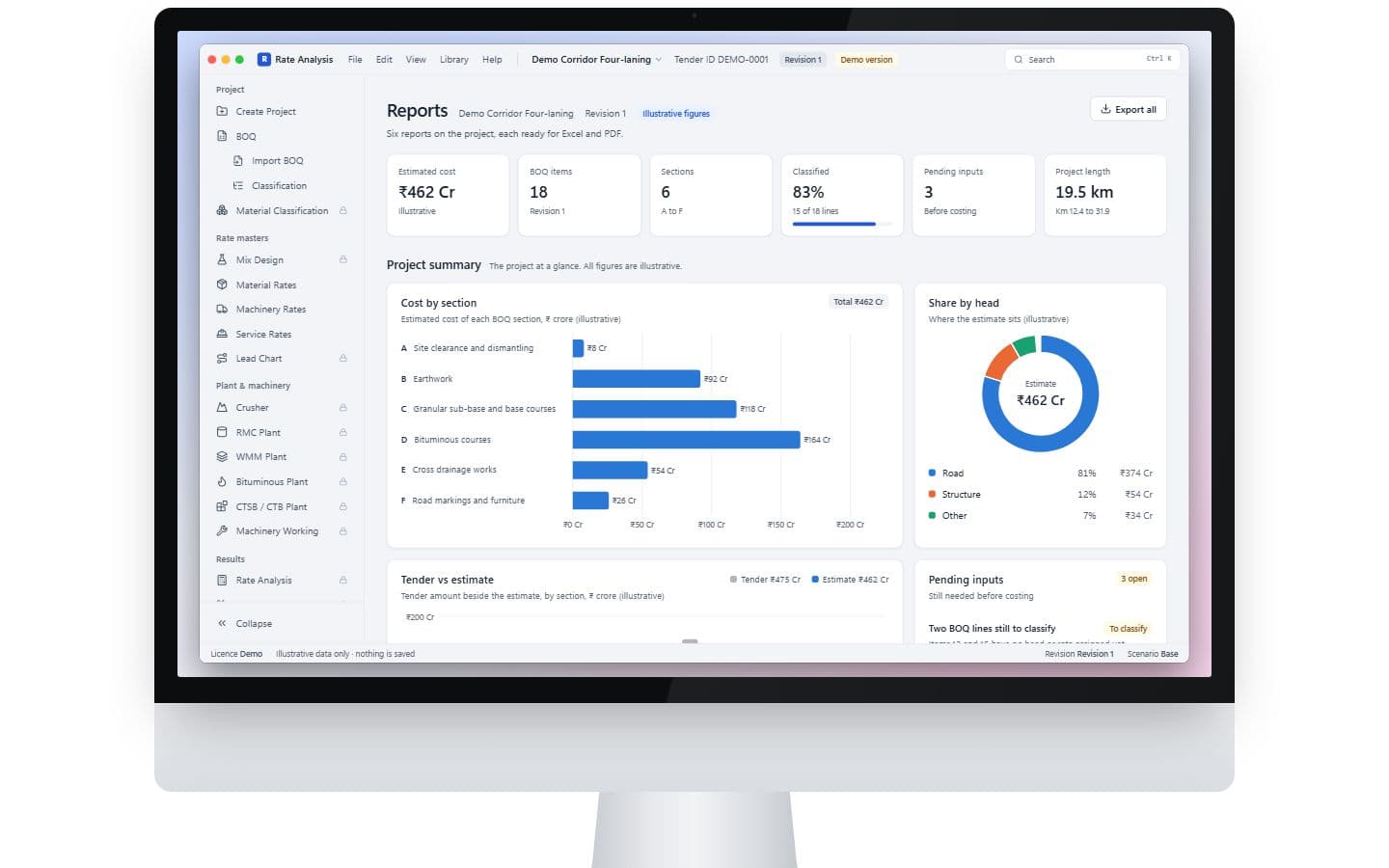
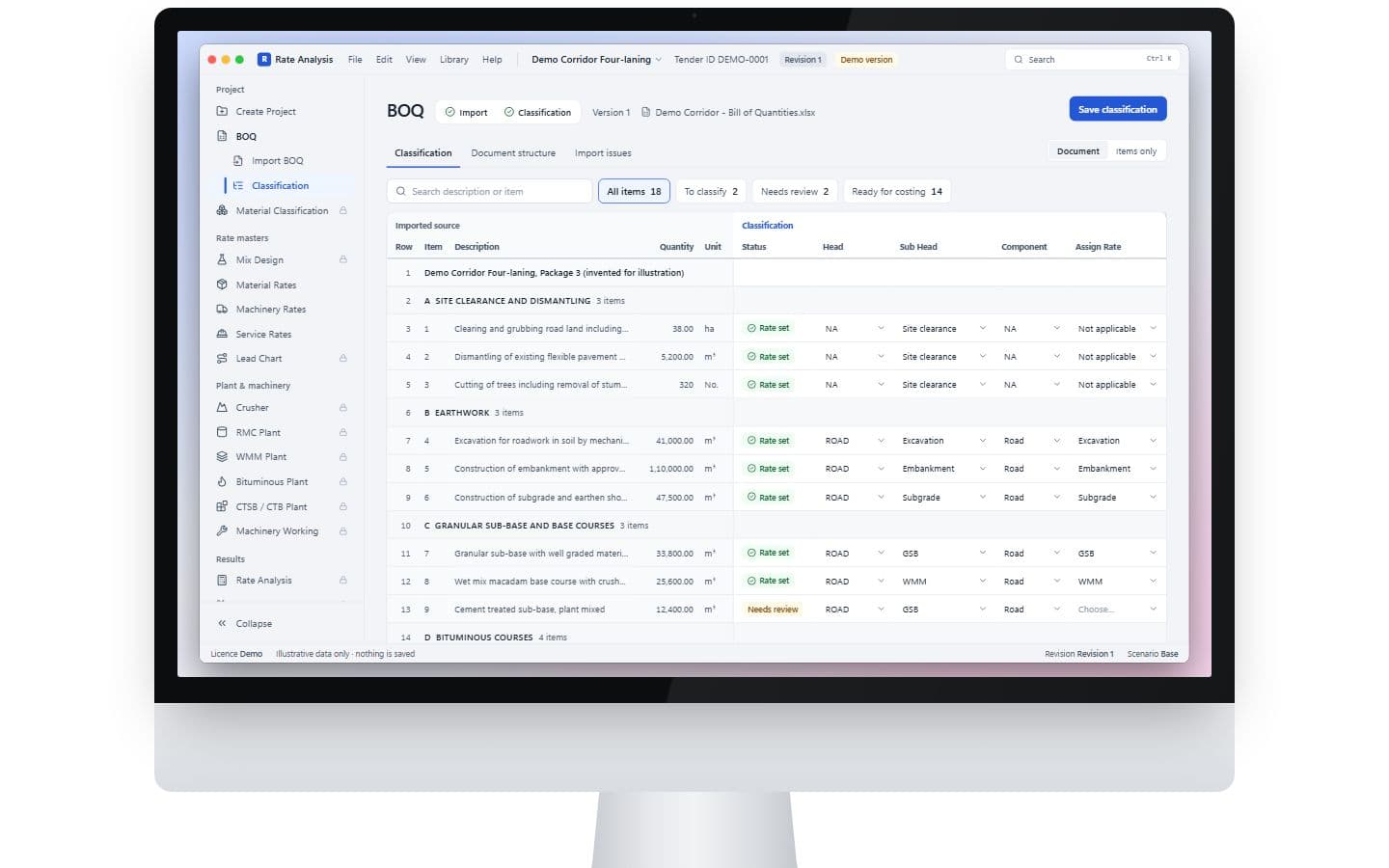
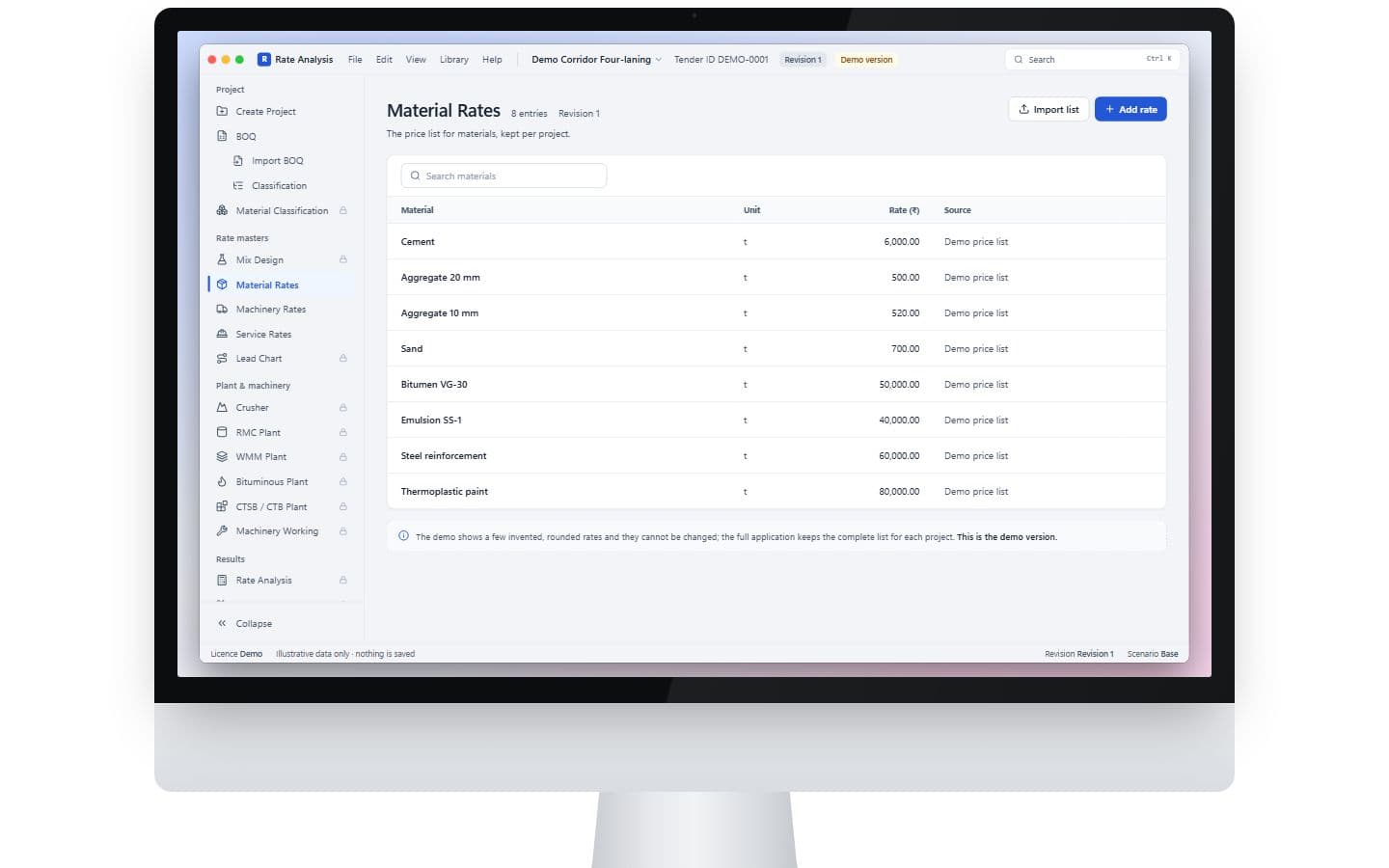
Exhibit C · Overview
Converts a road tender’s bill of quantities into item-level execution cost estimates.
It includes BOQ import and classification, project records, rate libraries, plant and machinery workings, rate analysis, reports, approvals, backups and licence-controlled sign-in. A separate web portal handles licence administration.
- Client
- Excluded: client identity · A civil roads contractor
- Platform
- Windows application + Web admin portal
- Engagement
- Freelance, solo
- Status
- In delivery
- Built independently
- Requirements & workflow design Windows application Local database & backups Licensing Web admin portal
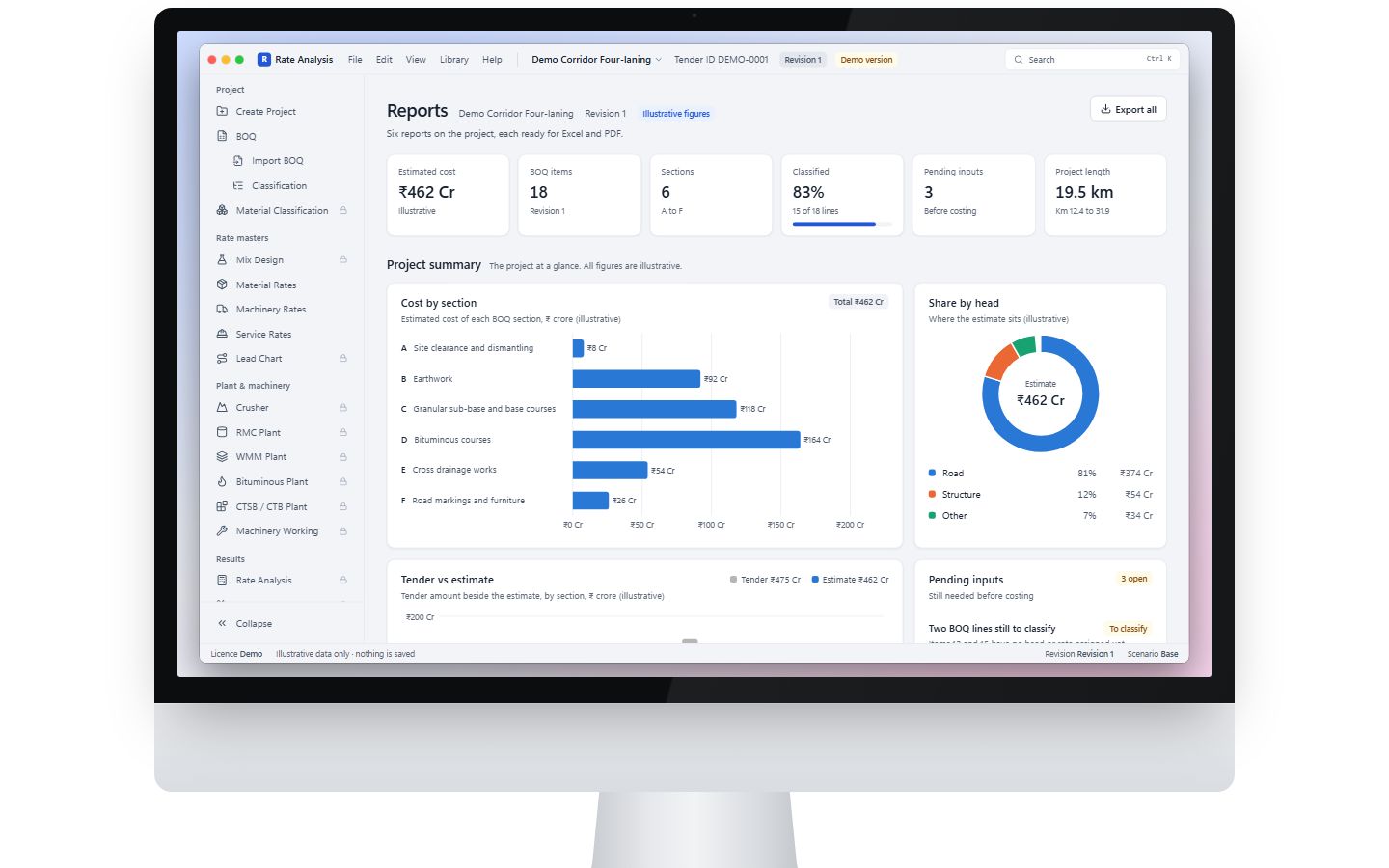
Run it · live demo
01 · The process
From loose notes to a process the software can hold.
Before · on paper
- A tender BOQ copied into a fresh workbook every time
- Rate build-ups in formulas only one person understood
- Plant and machinery costs worked out by hand
- Versions emailed back and forth before submission
After · in Rate
- 01
Project record
- 02
Import BOQ
- 03
Classify lines
- 04
Rate libraries
Plant & machinery
Not in the demo
Rate analysis
Not in the demo
Exceptions & approval
Gate · Every blocker resolved
- 08
Reports
Stage Gate: must be true to move on Not in the demo
02 · Design rules
The rules it holds, so people don’t have to.
RULE T-01
Every line is classified before it is costed
An imported BOQ line is not ready until it is classified and has a rate set. Unfinished lines stay visible as issues.
Why it matters
No silent gaps in a tender worth crores. The bill is complete or it says why not.
RULE T-02
Rates live in libraries, not in cells
Material, machinery and service rates are kept once per project and reused by every build-up.
Why it matters
Change a rate once and every dependent item follows. No more hunting through formulas.
RULE T-03
Approval means nothing is left blocking
The approval screen lists everything that blocks sign-off, each with its fix. An estimate is approved only when that list is empty.
Why it matters
Approval is something the system checks, not a box someone ticks.
03 · Missions
Try it yourself, about a minute each.
Each mission opens the desktop app on the right screen.
MISSION 01
~1 min
Classify a BOQ
Seat: Estimator
- 1.Filter to unclassified lines.
- 2.Assign a rate to one.
- 3.Check the Issues tab.
Look for: The line flips to rate-set and the issue count drops.
MISSION 02
~1 min
From tender to project
Seat: Estimator
- 1.Start at Create Project.
- 2.Follow the “next” buttons through Import and Classification.
Look for: One guided path from a new tender to a classified bill.
MISSION 03
~1 min
Find the locked engine
Seat: Visitor
- 1.From Reports, open Rate Analysis in the sidebar.
- 2.Then try the red, yellow and green window buttons.
Look for: The calculation screens stay locked, and they say what they do without showing how.
04 · What it covers
In the full system
- BOQ import & classification
- Project records
- Material, machinery & service rate libraries
- Plant & machinery workings
- Item-level rate analysis
- Tender vs calculated comparison
- Six reports to Excel & PDF
- Exceptions & approval
- Backup & restore
- Licence-controlled sign-in
- Web licence admin portal
Not in this demo
- Client identity
- All calculation screens and proprietary formulas
- Real tenders, rates and quantities
- The licence server
My role
Lead from proposal to delivery: scoped and contracted the work, and am designing, building and delivering it against a signed agreement in four staged milestones.
- Where it stands
- In delivery, in four staged milestones.
- Skills it shows
- Scope & contract managementMilestone planningDecision & question logsRequirements traceabilityQuality through automated tests
Stakeholders and users
Who it had to work for.
Owner
Clear answers on scope, sign-off at each milestone, and a price before anything new is built.
Estimators
A tender’s bill turned into item-level costs, without rebuilding a workbook every time.
Administrator
Control over who may run the software, and for how long.
Key decisions
The calls that shaped it, and what each one cost.
- 01
The signed agreement is the scope
- The trade-off
- Earlier proposals and wireframes promised more in places; where they conflicted, the agreement won and each conflict was logged.
- Why it was worth it
- One source of truth keeps scope from creeping, and makes every change a priced, written decision.
- 02
Build first what the milestones pay for
- The trade-off
- Licensing, the obvious first feature, waited; the bill-of-quantities workflow came first.
- Why it was worth it
- Each stage hands over something the client can accept and pay for.
- 03
A calculated figure is never typed over
- The trade-off
- An override takes an extra step: a separate value with a reason, kept beside the calculation.
- Why it was worth it
- Every number in an estimate can be traced and defended.
Scope and delivery
How delivery is kept honest.
- decisions logged, each with its reason
- 211
- client questions logged and tracked
- 147
- staged milestones, each with an acceptance checklist
- 4
- automated test files
- 200+
- The signed agreement is the scope. Anything beyond it is priced and approved in writing before it is built.
- Client dependencies that could move a date are tracked against the milestones, so a slip is seen early instead of explained late.